Issues with unlocking apps

Notification not appearing?
Check if Do Not Disturb is on, as it may block notifications. To allow Blank Spaces through: go to Settings > Focus > Do Not Disturb > Allowed Apps, and add Blank Spaces to the list.
App doesn’t unlock after the breathing exercise?
1️⃣ Refresh in Blank
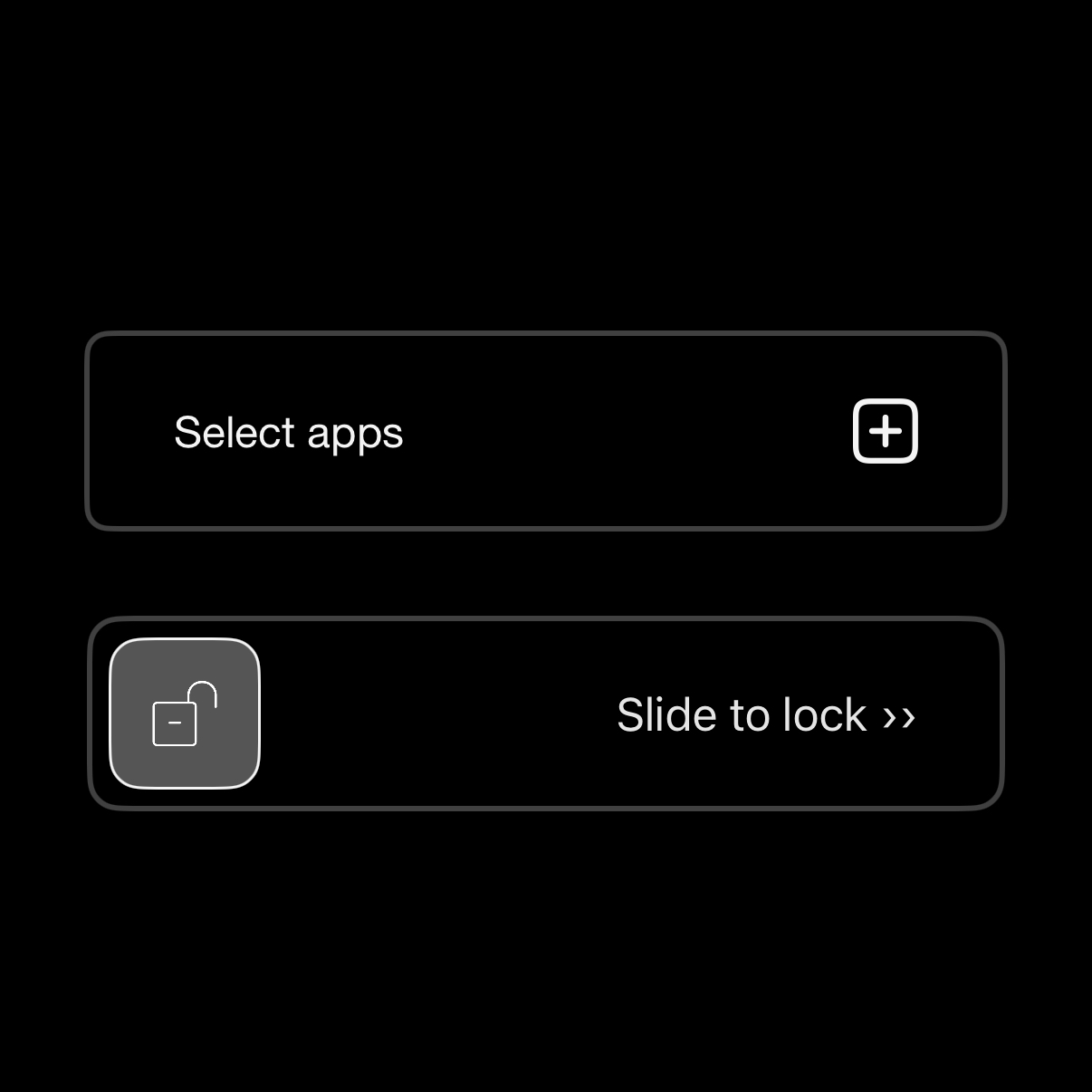
In Blank, click the lock icon. Use the slider to manually unlock all apps. This refreshes the lock state and often resolves the issue.
2️⃣ Check iPhone Settings
In some cases, adjusting your phone’s screen time settings may solve the issue.
Go to Settings → Screen Time. Scroll down to Restrictions.
Make sure you don’t have any screen time apps / restrictions outside of Blank that would interfere with opening your app.
Toggle the Blank screen time access off. Check whether your app is unlocked. Toggle the Blank screen time access back on.
3️⃣ Restart your phone
Power your device off and on again to ensure that system-level settings are refreshed.
4️⃣ Give another app screen time permissions
Keep Blank open in the background.
Install another Screen Time app, such as the app BlockSite, and complete its onboarding to reset permissions.
Reopen Blank to refresh functionality.