Add a custom shortcut
We suggest enabling our Auto Launch plugin instead of using this method.
You can also add custom apps by routing through Apple Shortcuts. Make sure auto-launch is disabled before starting.
1️⃣ Create the shortcut
Open the Apple Shortcuts app. Tap the + button to create a new shortcut.
Then, select an app:
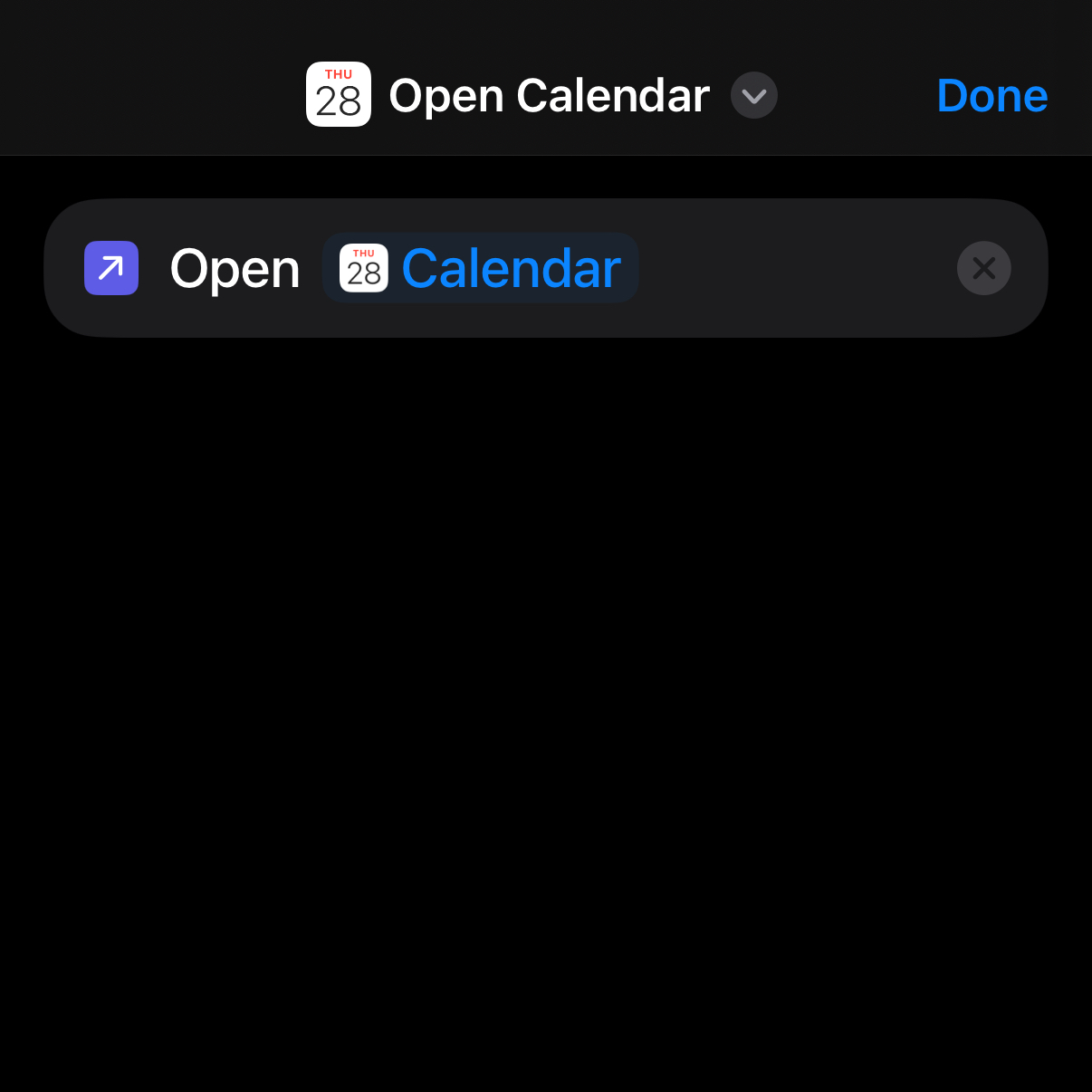
Select the Open App action.
Choose your app from the list.
At the top, name your shortcut.
2️⃣ Import the shortcut
In Blank, tap the "+" icon. Select "Don't see your app."
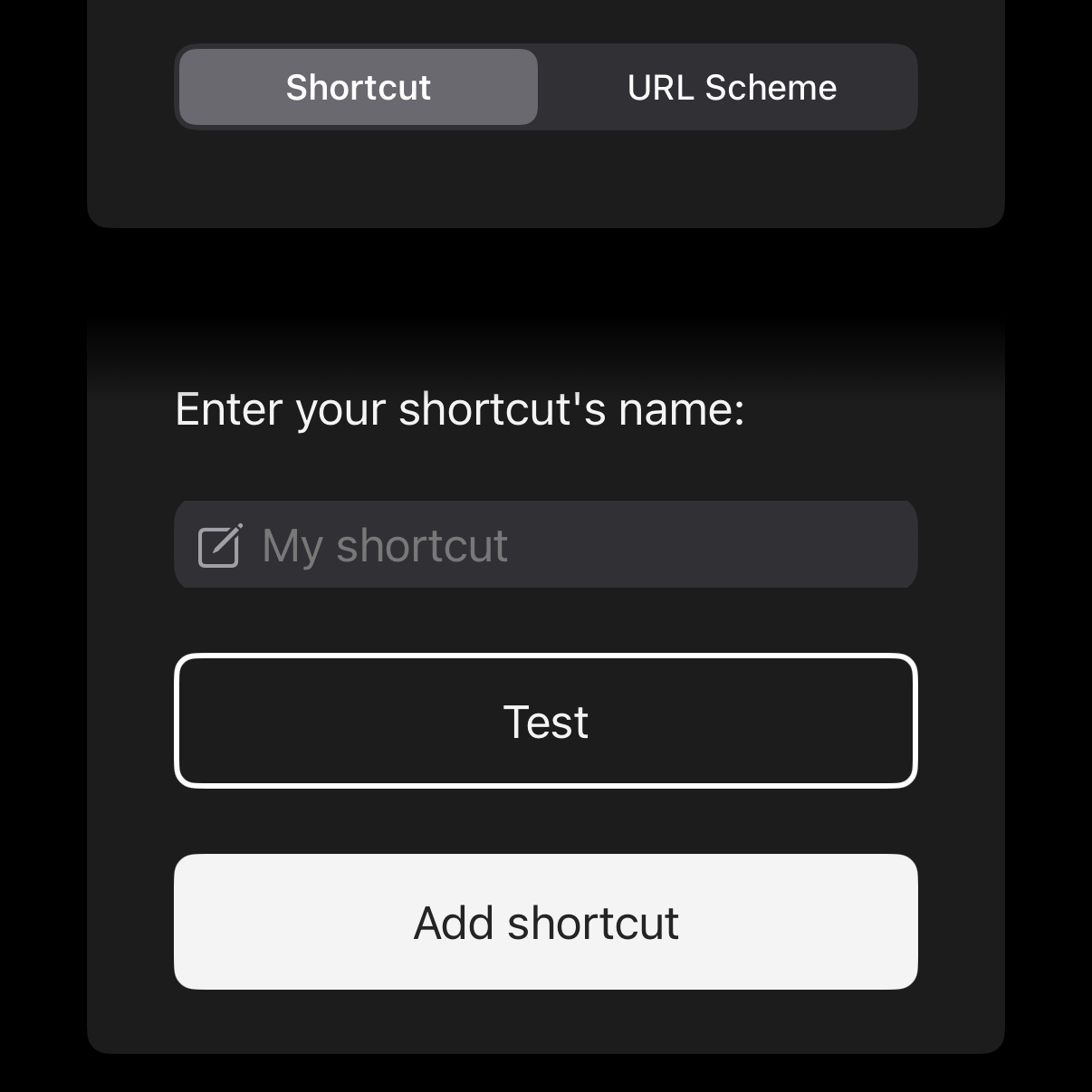
Select “Custom App” and choose the “Shortcut” tab.
Import your custom shortcut by its name.