How to hide the dock (iOS 18)
Hide the dock on iOS 18 with Blank Spaces.
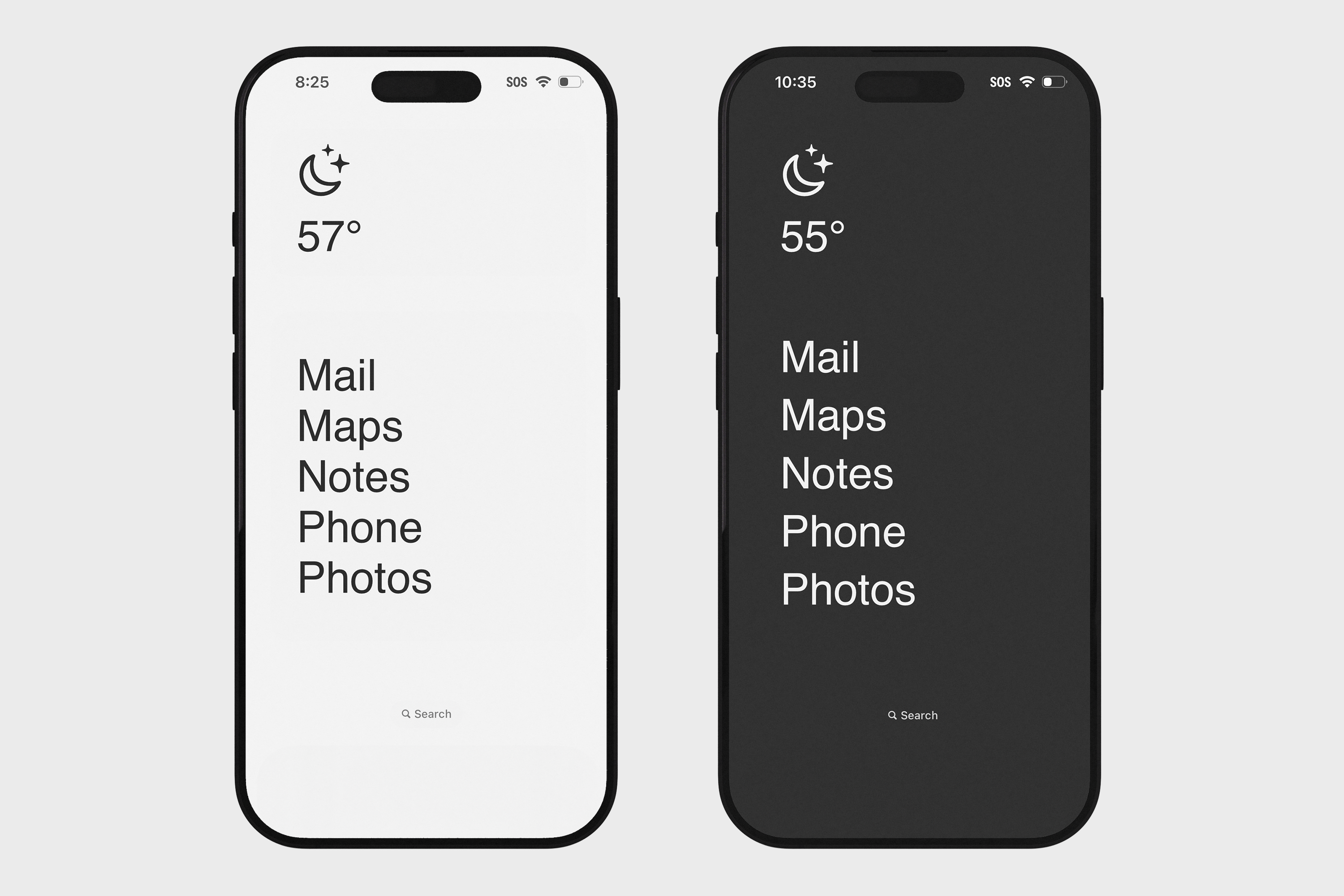
iOS 18 shows a translucent dock bar at the bottom of your home screen. The fix is to add a wallpaper that matches the dock's background color, making it invisible.
1. Save a wallpaper
Press and hold one of the wallpapers below to save it to your Photos. Use the one that matches your current display mode in Settings.
Dark mode wallpaper

Light mode wallpaper

2. Apply the wallpaper
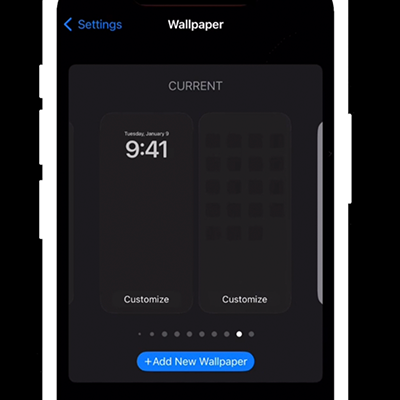
On your home screen: long-press > Edit > Edit Wallpaper. Set the saved image as your wallpaper and turn Blur off.