How to fix the glass borders in iOS26 in light mode
On iOS 26, Apple introduced a translucent "glass" effect around widgets. In light mode, you can fully hide this effect using the steps below.
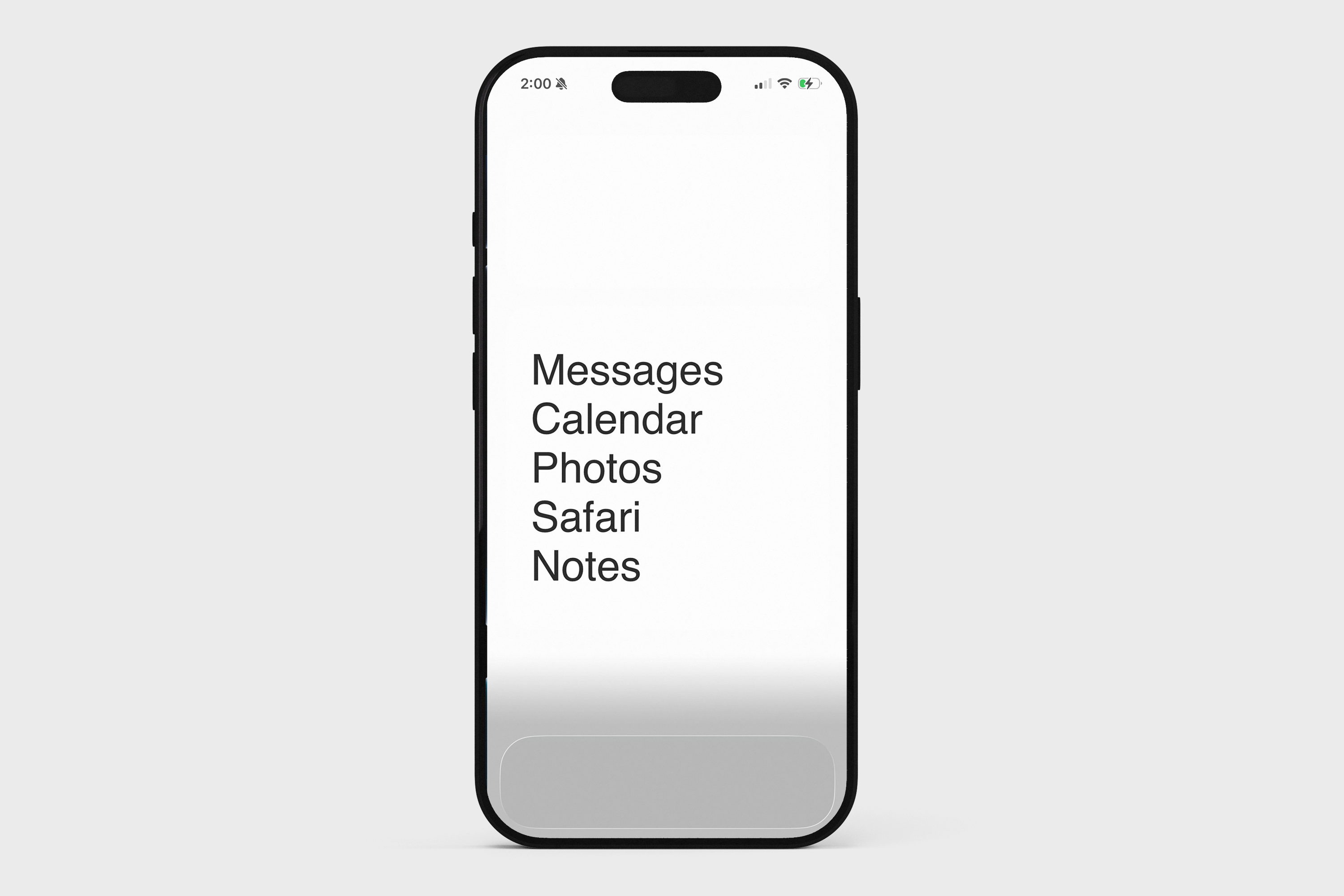
1. Make sure you have set the light mode wallpaper
Press and hold this wallpaper to save it to your photos.

Then on your home screen: long-press > Edit > Edit Wallpaper. Set the saved image as your wallpaper.
Long-press on your home screen → tap Edit → Edit Wallpaper.
Pinch to zoom out fully and scroll to the bottom so the entire image is visible.
Set the saved image as your wallpaper.
Make sure Blur is off.
2. In Blank, update your widget settings
Tap the paintbrush icon (top right)
Set Text color to Dark
Set Widget color to Light
Tap Custom Wallpaper. If a wallpaper is set, tap the X button to remove it.