How to add and edit apps in Blank Spaces
Add your essential apps to Blank Spaces and customize their names.
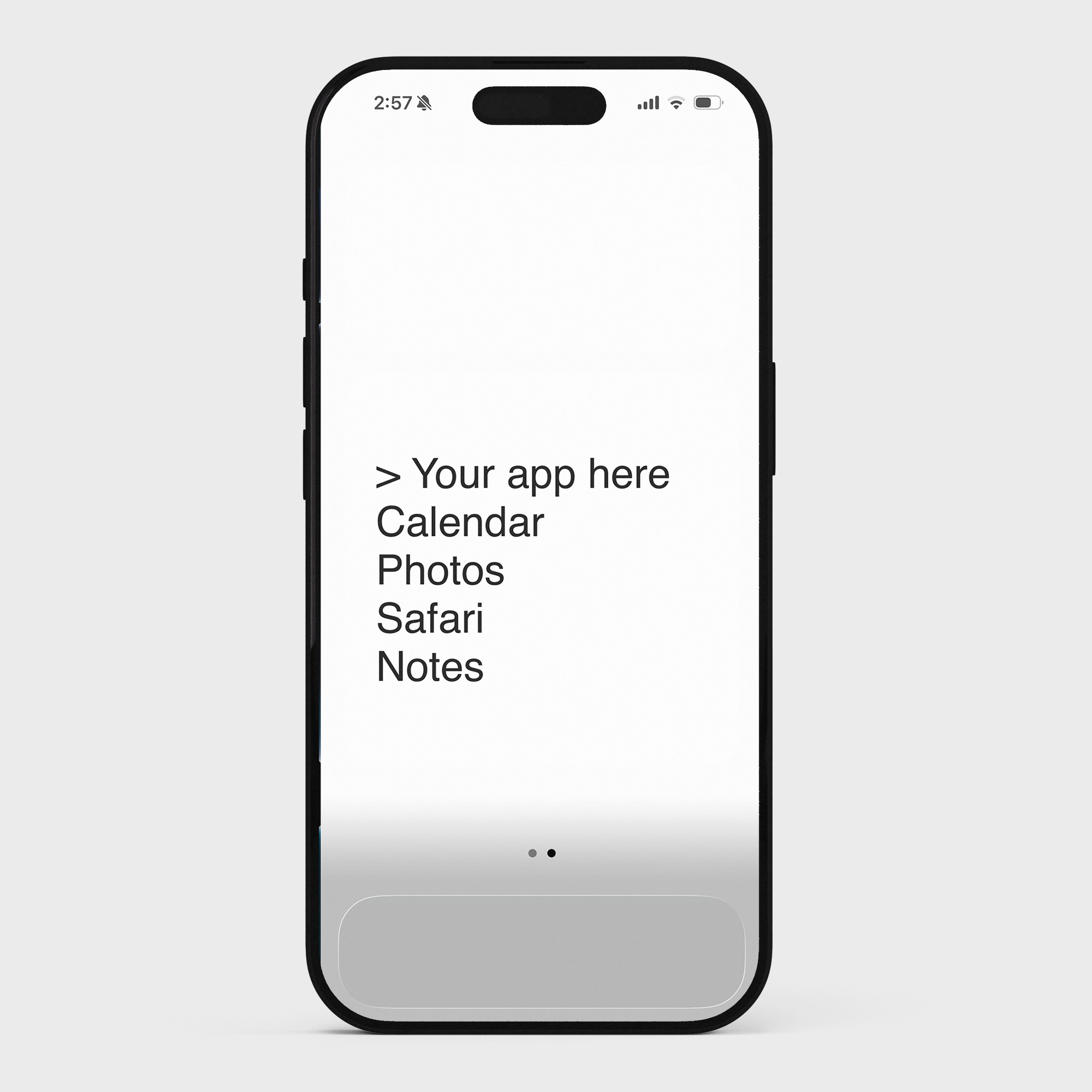
Adding apps
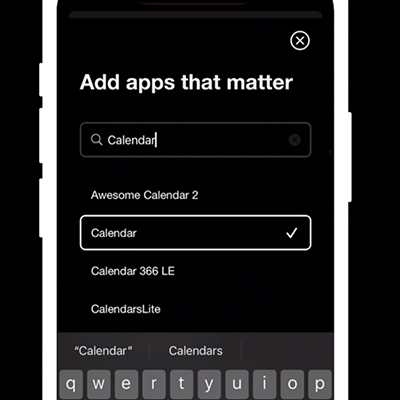
Open the Blank Spaces app
Tap the + button at the bottom right
Search for the app you want to add
Tap it to add it to your layout
Renaming apps
Tap any app name in your Blank Spaces list
Type the new name
Some people use shorter names, emoji, or blank spaces to keep things minimal.
Removing apps
Tap any app name in your Blank Spaces list
Tap the X button to delete it
This only removes it from your Blank Spaces layout - the app itself stays on your phone.