Add a custom deep link

We suggest enabling our Auto Launch plugin instead of using this method.
You can also add custom apps by routing through custom deep links. Make sure auto-launch is disabled before starting.
1️⃣ Find the deep link
An Apple deep link (or “URL Scheme”) is a code to open or navigate within an app on Apple devices, such as “files://”.
Here’s how to Find an App's deep link:
Search online for the app name + "URL scheme."
Check the app's official website.
Contact the app developer directly.
2️⃣ Import the deep link
In Blank, tap the "+" icon. Select "Don't see your app."
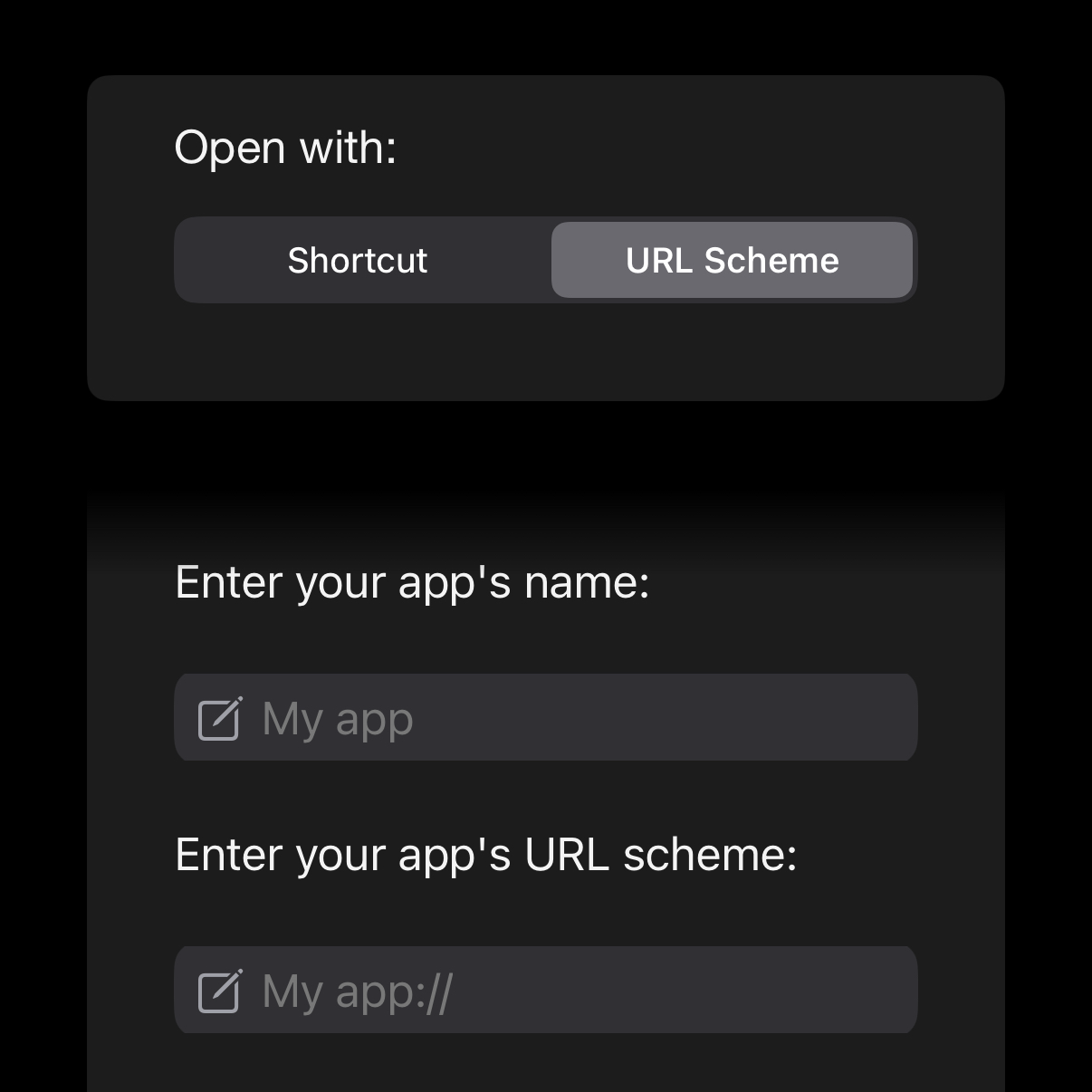
Select “Custom App” and choose the “URL Scheme” tab.
Use Blank to import your URL scheme.