Make the widgets scrollable

Set up a Smart Stack to smoothly scroll through the widgets.
1️⃣ Add a smart stack
Go to home screen. Press and hold
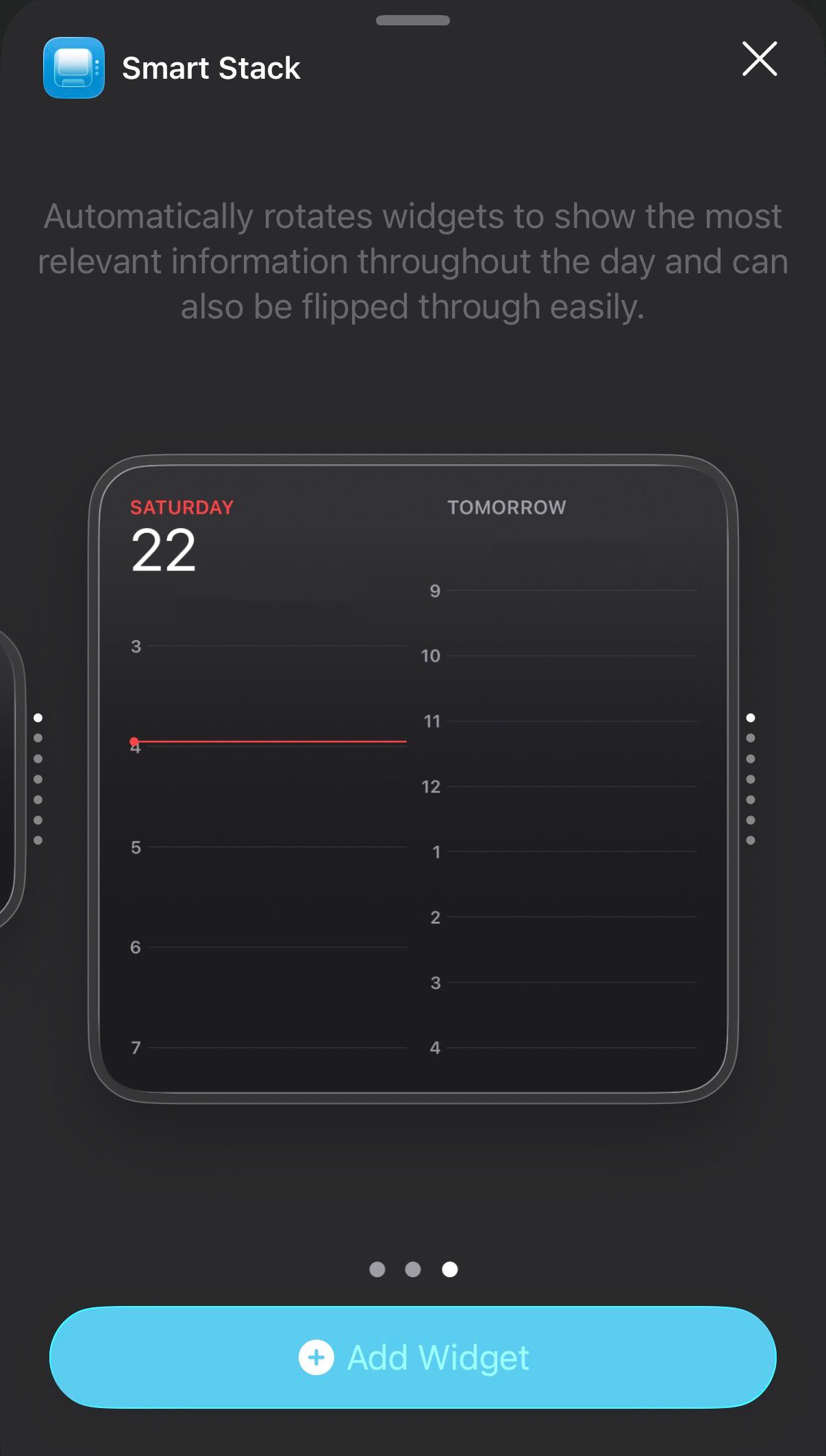
Tap edit > add widget > smart stack.
Add a large smart stack widget.
2️⃣ Edit the smart stack
Tap the smart stack to open it.
Remove all existing widgets from the smart stack.
Tap the + button at the top, and add each one of your Blank widgets to the Smart Stack.
Turn Smart Rotate OFF, and Widget Suggestions OFF.
