How to hide extra home screen pages
Keep only your Blank Spaces page visible by hiding unused home screen pages.
You can hide home screen pages without deleting anything - the apps stay on your phone and remain accessible through the App Library.
Long-press on an empty area of your home screen until the apps start to jiggle.
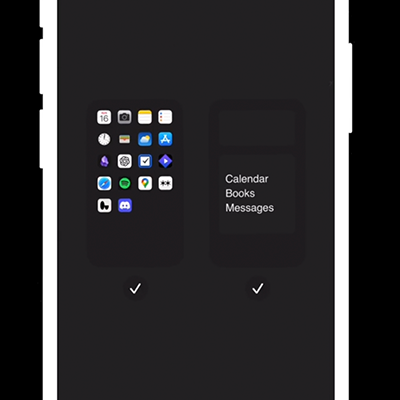
Tap the page dots at the bottom of the screen.
You'll see a zoomed-out view of all your pages. Uncheck any pages you want to hide.
Tap Done in the top right corner.