Hide the "Blank" name

Switch to “Large Mode” to hide the Blank text.
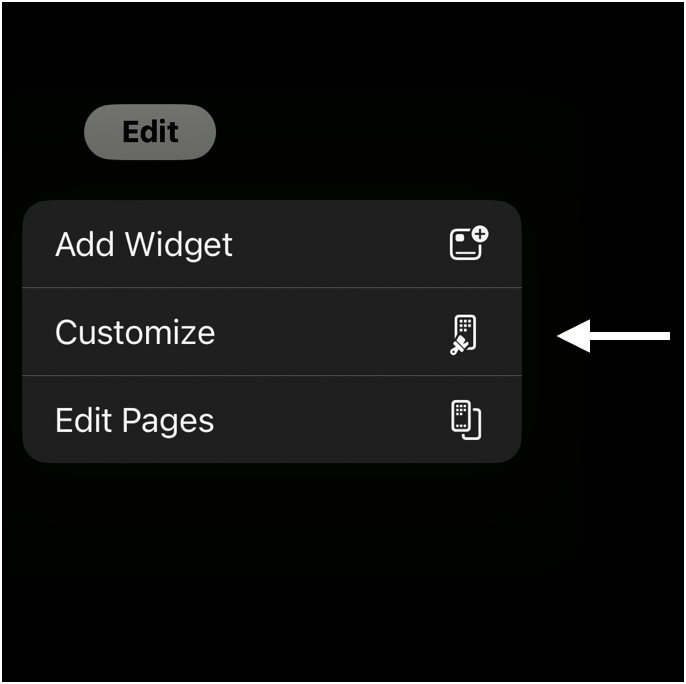
1️⃣ Open the widgets menu
On your Home Screen, press, and hold. Tap edit > customize.
2️⃣ Switch to large mode
Switch the mode from Small to Large. Make sure you are not on “Tinted” mode.

Next - add the widgets »
